Overview
This article guides you through the USSD self-service steps to opt-in for Out-of-Bundle Data Charges on the PJN Mobile network. When opted in, once your data bundle is exhausted, data usage will continue, and charges will be deducted from your airtime balance at standard out-of-bundle rates.
Steps to Opt-In
Step 1
Dial *135# on your PJN Mobile number to launch the USSD menu.
Step 2
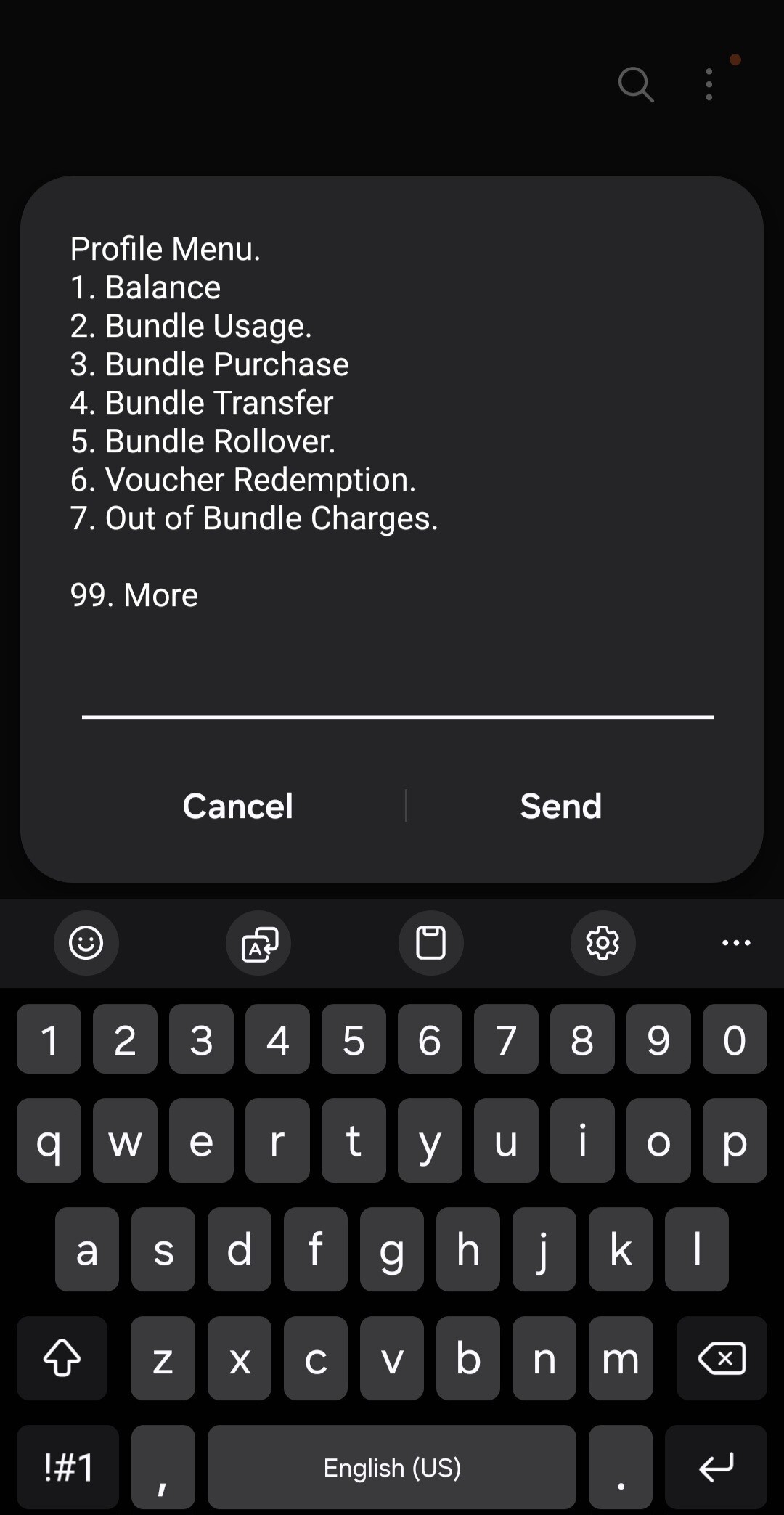
From the Profile Menu, select option 7 – "Out of Bundle Charges".
Step 3
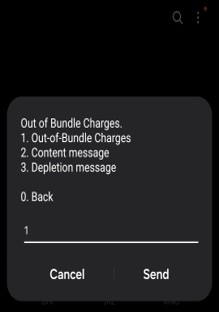
From the Out of Bundle Charges menu, select option 1 – "Out-of-Bundle Charges".
Step 4
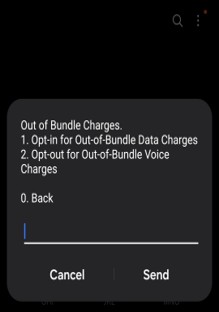
Select option 1 – "Opt-in for Out-of-Bundle Data Charges".
Step 5
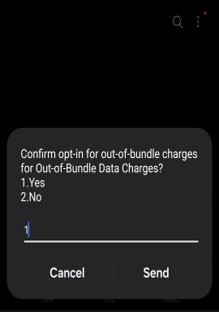
A confirmation prompt appears. Enter 1 for Yes to confirm opt-in, or 2 for No to cancel, then tap Send.
Step 6
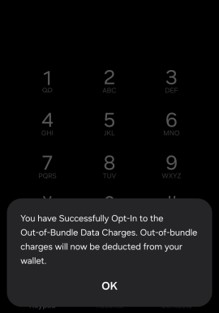
A success message confirms: "You have Successfully Opt-In to the Out-of-Bundle Data Charges. Out-of-bundle charges will now be deducted from your wallet." Tap OK.
Important Notes
By default, customers are opted in for Out-of-Bundle Data Charges.
Out-of-bundle data charges will be deducted directly from the customer's PJN Mobile wallet (airtime balance). Ensure the wallet has sufficient funds before opting in.
To opt OUT at any time, follow the same USSD path (*135# > 7 > 1) and select the opt-out option for Out-of-Bundle Data Charges.
Out-of-bundle voice charges are managed separately under the same menu (option 2). Opting in for data does NOT automatically opt in for voice.
Need Help?
Was this article helpful?
That’s Great!
Thank you for your feedback
Sorry! We couldn't be helpful
Thank you for your feedback
Feedback sent
We appreciate your effort and will try to fix the article